Question:
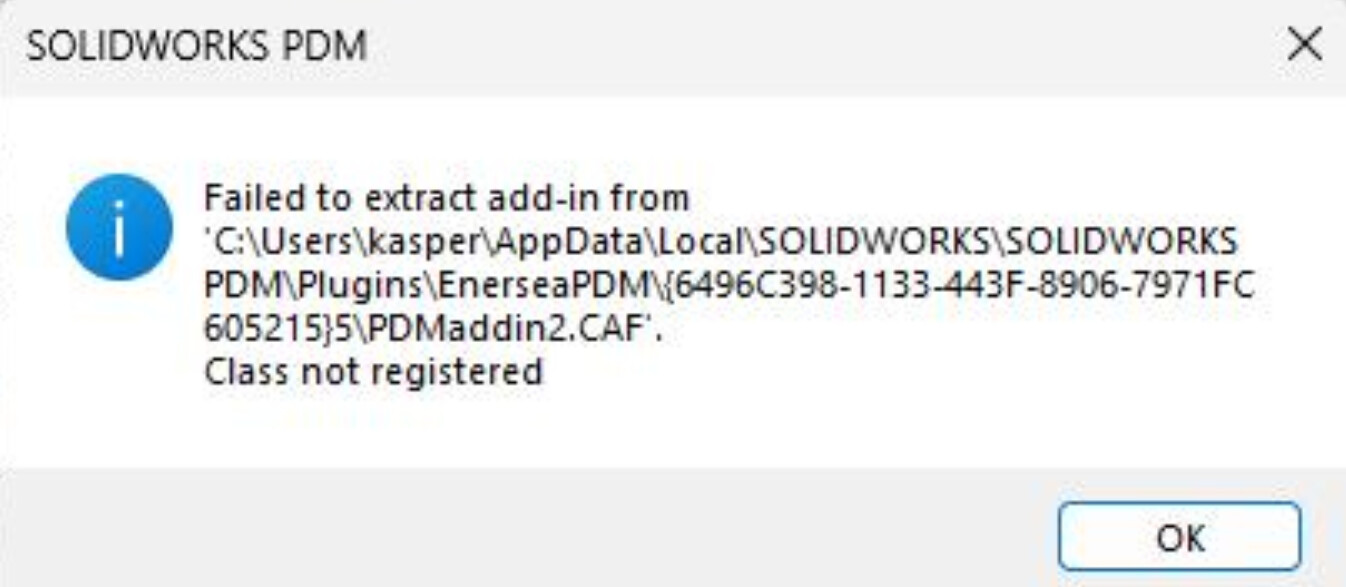
Hello, I’m new to C# .NET development and recently created my first SOLIDWORKS PDM add-in. I tested the functionality in a test vault, and everything worked as expected. However, when I deployed the add-in to the operational vault, I encountered the following error: C:\Users.…\SOLIDWORKS PDM\PLugins{Vault name}{GUID}{version}\PDMADDIN2.CAF
Class not registered
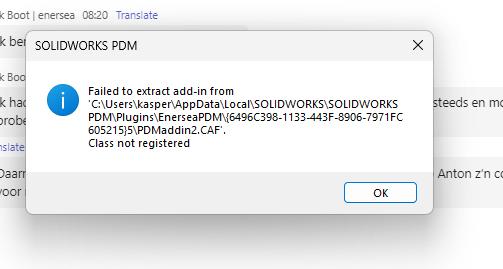
Interestingly, this error does not occur on all client machines, only some of them. While troubleshooting, I tried manually adding the .dll and .caf files to the problematic machine’s PDM add-in folder. However, I noticed that every time SOLIDWORKS PDM starts, a new version of the GUID is generated for all add-ins, including mine. This seems strange because I thought the GUID should remain constant for each add-in and only should increase when a new version is generated.
Questions:
- Is it normal for SOLIDWORKS PDM to generate a new GUID for add-ins every time PDM is started?
- Could this be related to why the error only occurs on some client machines?
- What are the best practices for ensuring the add-in works consistently across different machines in an operational vault?
Any advice or insights into what could be causing this behavior and how to resolve it would be greatly appreciated!
Reach out to me by email if you are having a hard time solving this issue (amen@bluebyte.biz).
– AmenJlili